Squarespace: Creating Intuitive Tagging Experiences for Media Assets
PRODUCT DESIGN • UI DESIGN
Overview.
Squarespace, a no-code website builder, is creating a digital asset management tool to allow users to organize and store their assets. The Asset Library will serve as a location agnostic space for users to perform bulk actions, store assets in folders, and access usage data.
Specs.
Project Type.
Experience Design, Research, UI Design
Tools.
Figma, Notion, UserTesting
Team.
Kaila Negrón, Raihan Ismati, Lama Shehadeh, Janice Rohrssen
Duration.
May. 2022 - Aug. 2022
Problem.
Users are limited to organizing their assets by sorting them. Assets can only be searched using file name. This results in users uploading duplicates.
PROJECT FOCUS
To craft smarter workflows for users who want to organize their assets.
Research.
Our main research goal was to better understand how users would like to organize an asset library of 200+ assets. We identified different types of users that might use this functionality and their pain points, goals, and needs. To accomplish this, I conducted both user interviews and competitive analysis.
COMPETITIVE ANALYSIS
Evaluating alternative approaches.
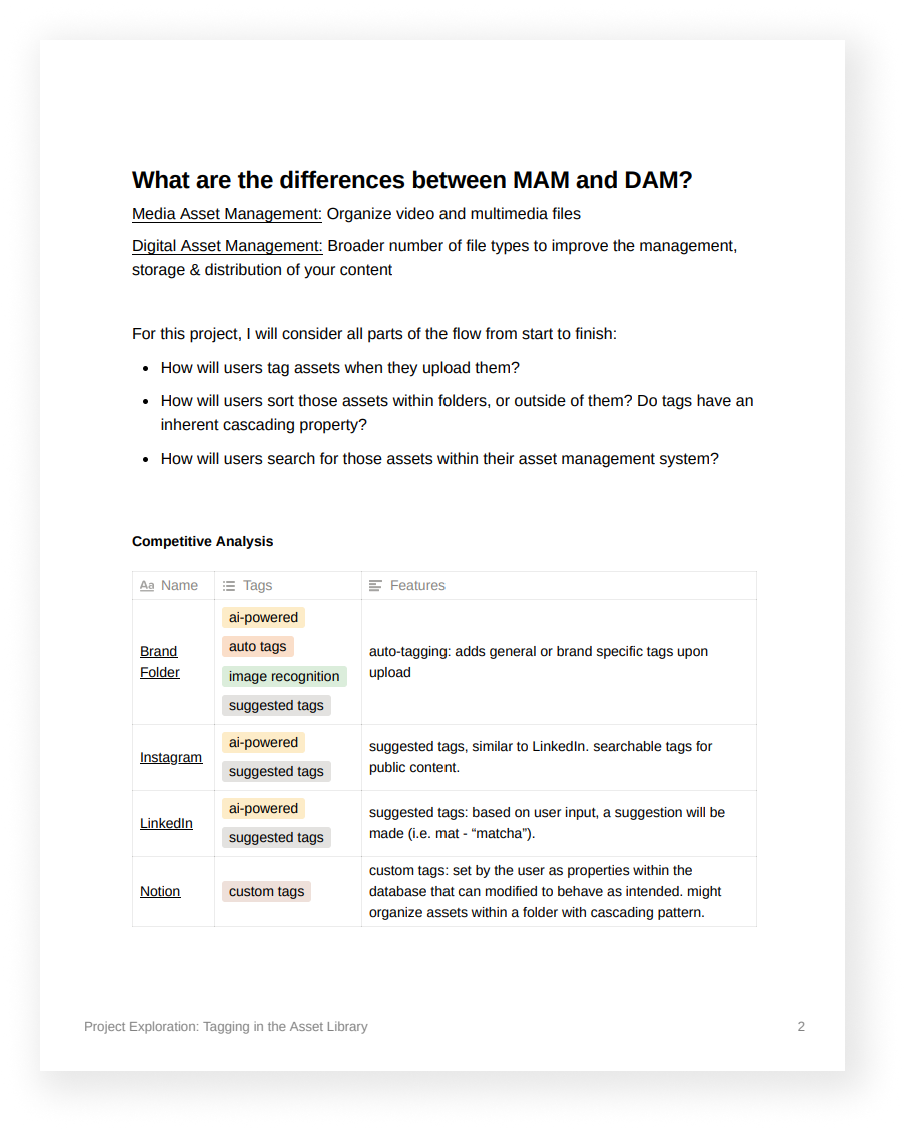
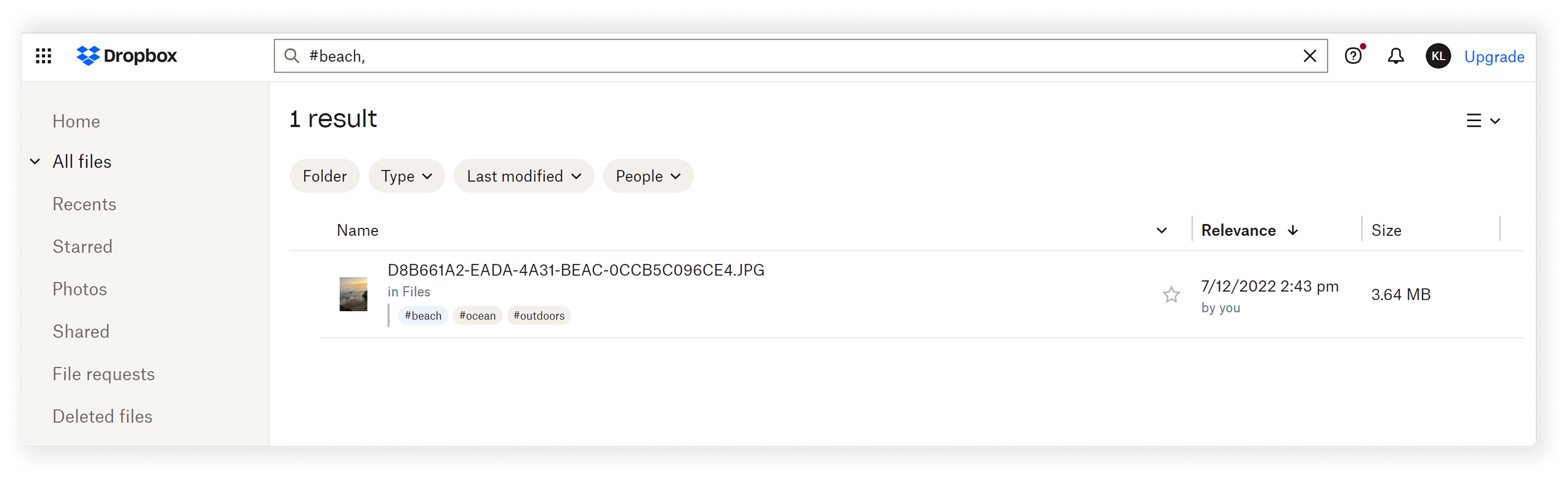
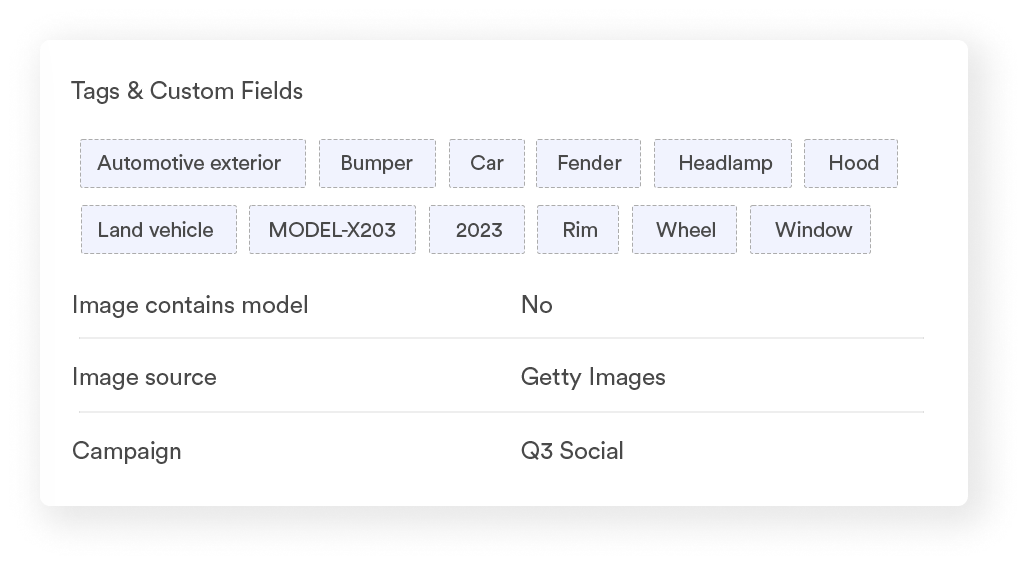
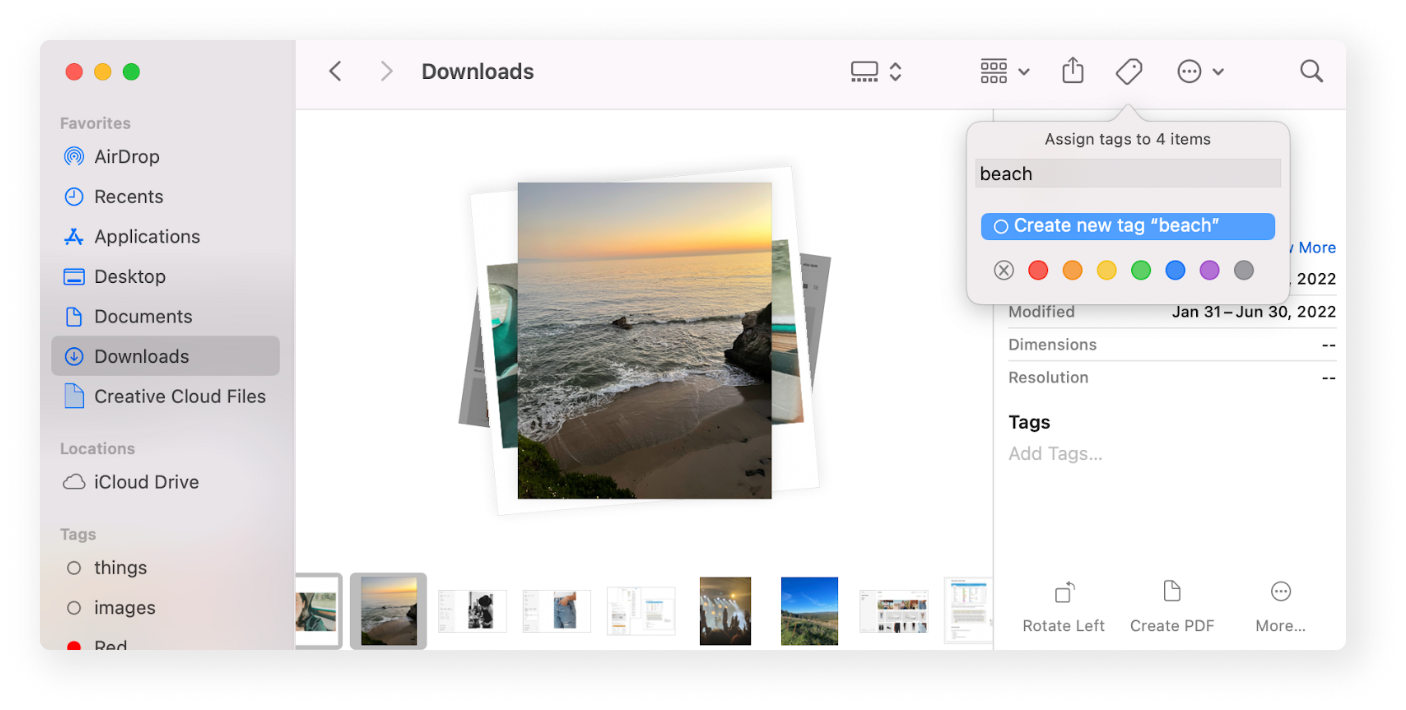
To better understand the problem space, I evaluated digital asset management tools. I focused on existing and effective tagging patterns across products like Brandfolder, Cloudinary,
Guiding Question: How are tags currently used within a digital asset management tool to provide organizational value?
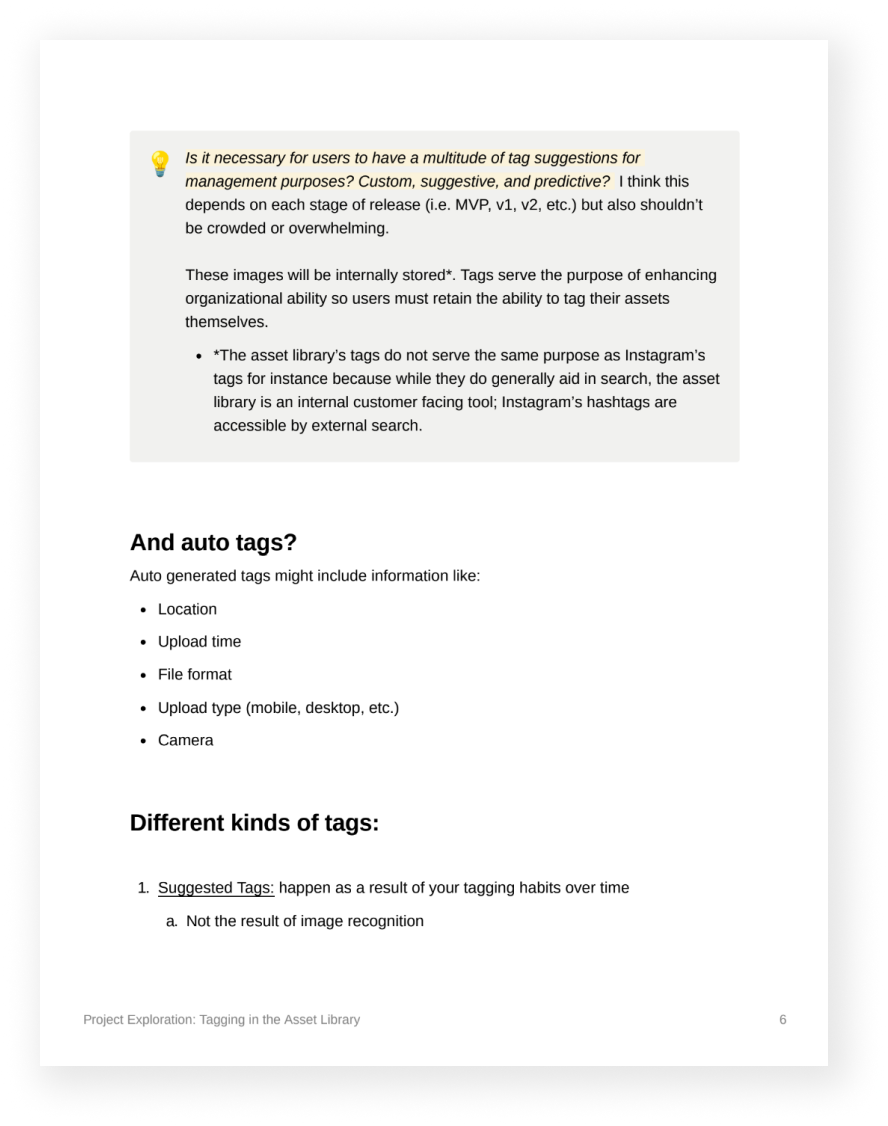
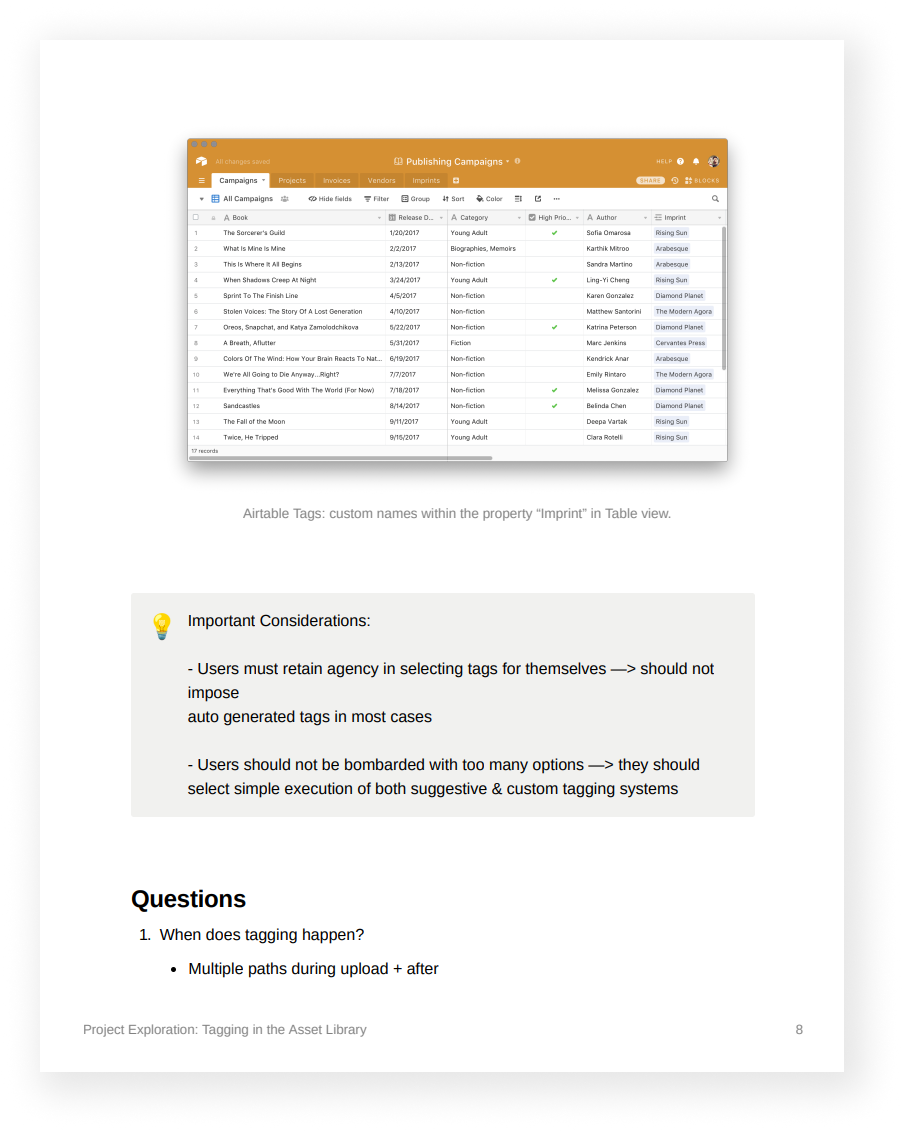
Tagging Patterns
🗂 Additional Organization
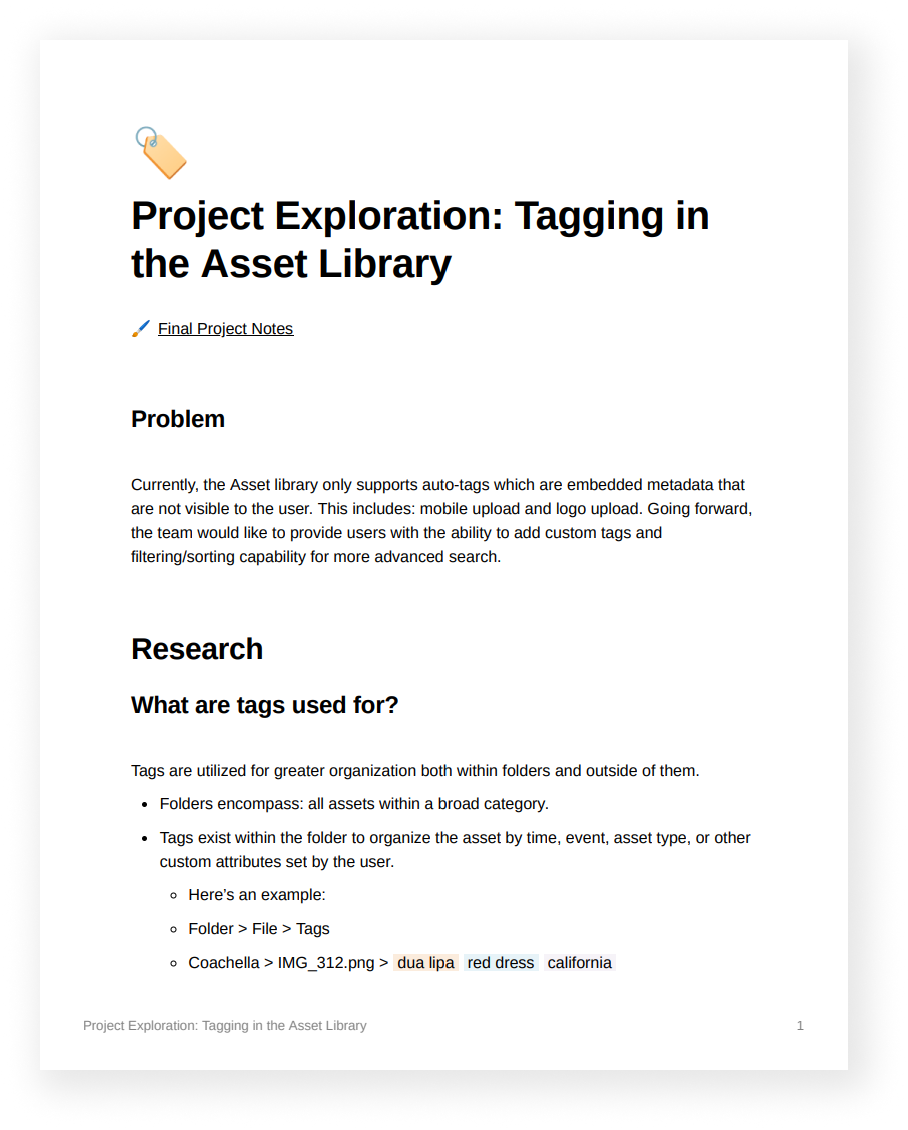
Folders encompass assets within a category, while tags can be associated with assets within folders and outside of them.
🔸 Custom Attributes
Tags are associated with assets to organize the asset by time, event, asset type, or other custom attributes set by the user.
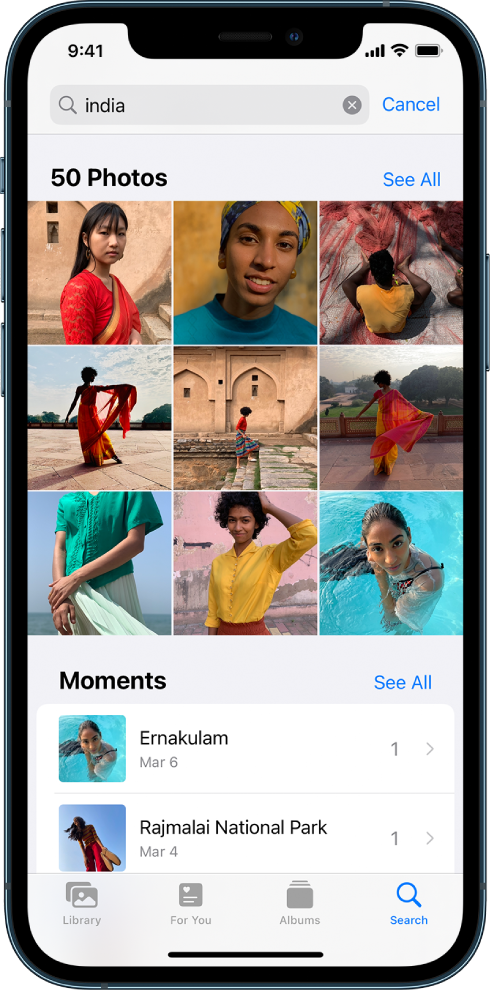
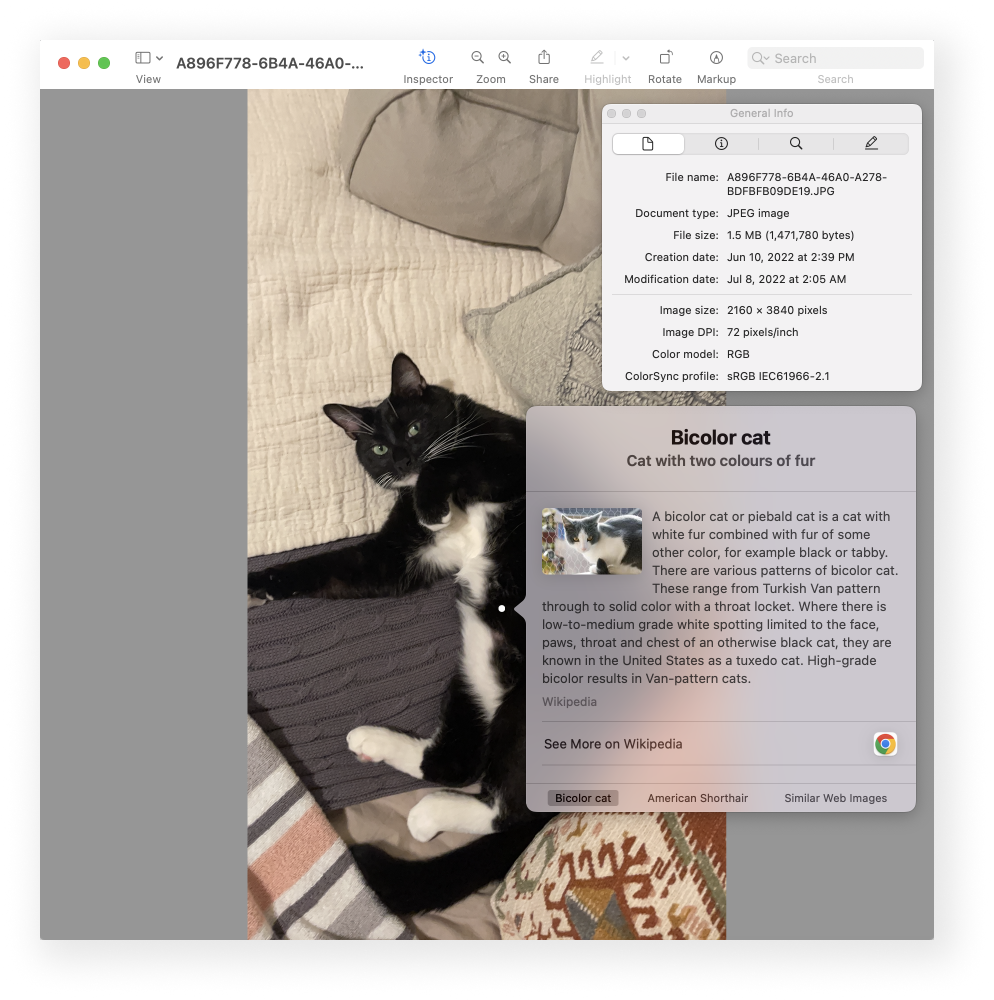
🤖 Enable Smart Search
By leveraging computer vision to generate keyword tags based on image attributes, users can locate assets quickly.
Hypothesis.
If users have access to custom organization methods, they will be able to locate and manage their assets with greater ease, improving the overall usability of the asset library.
SYNTHESIS
Opportunity.
🏷️
01. Creating tags for assets
Enjoy the flexibility of using different kinds of views, whether if be a table, gallery, or dashboard.
🔍
02. Quick Search
Once users apply their own tags, they will want to locate them. They can do so by searching by their own custom and smart tags.
🍃
03. Ease
Users can located their assets by filtering through their library with an area that surfaces all of the tags they’ve generated.
User Interviews
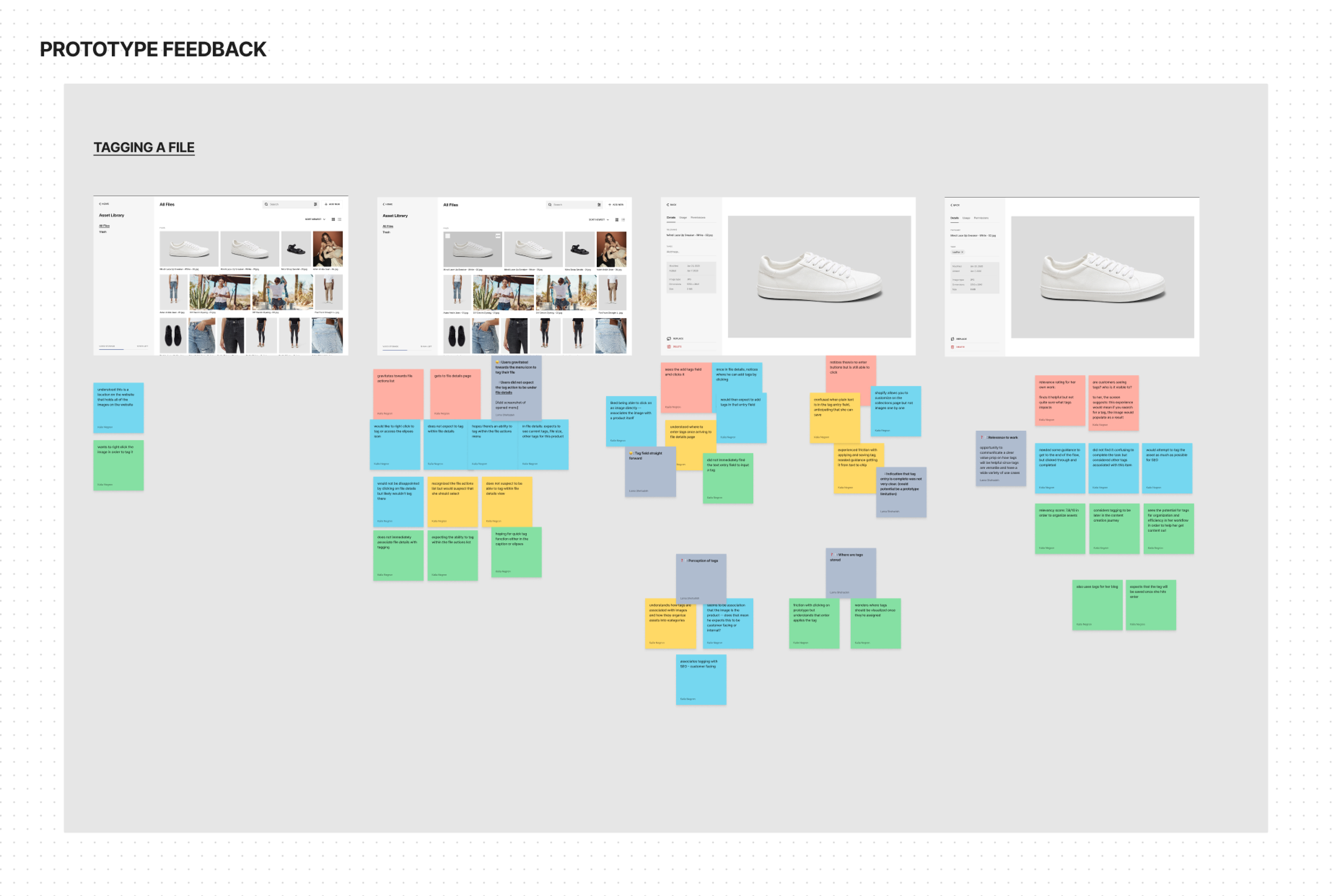
To gauge user attitudes towards this propose feature, I interviewed 4 participants to better understand the relevancy of tagging and how applicable tagging might be to their current workflow.
Structure of the study:
About them and their business
Current AM experience
Stimulus exercise
Prototype feedback
FINAL ITERATION
Design
I worked with the Rosetta design system to design multiple iterations of possible flows for the tagging experience in the Asset Library. I accounted for quick tagging, search and filter, and bulk tagging.
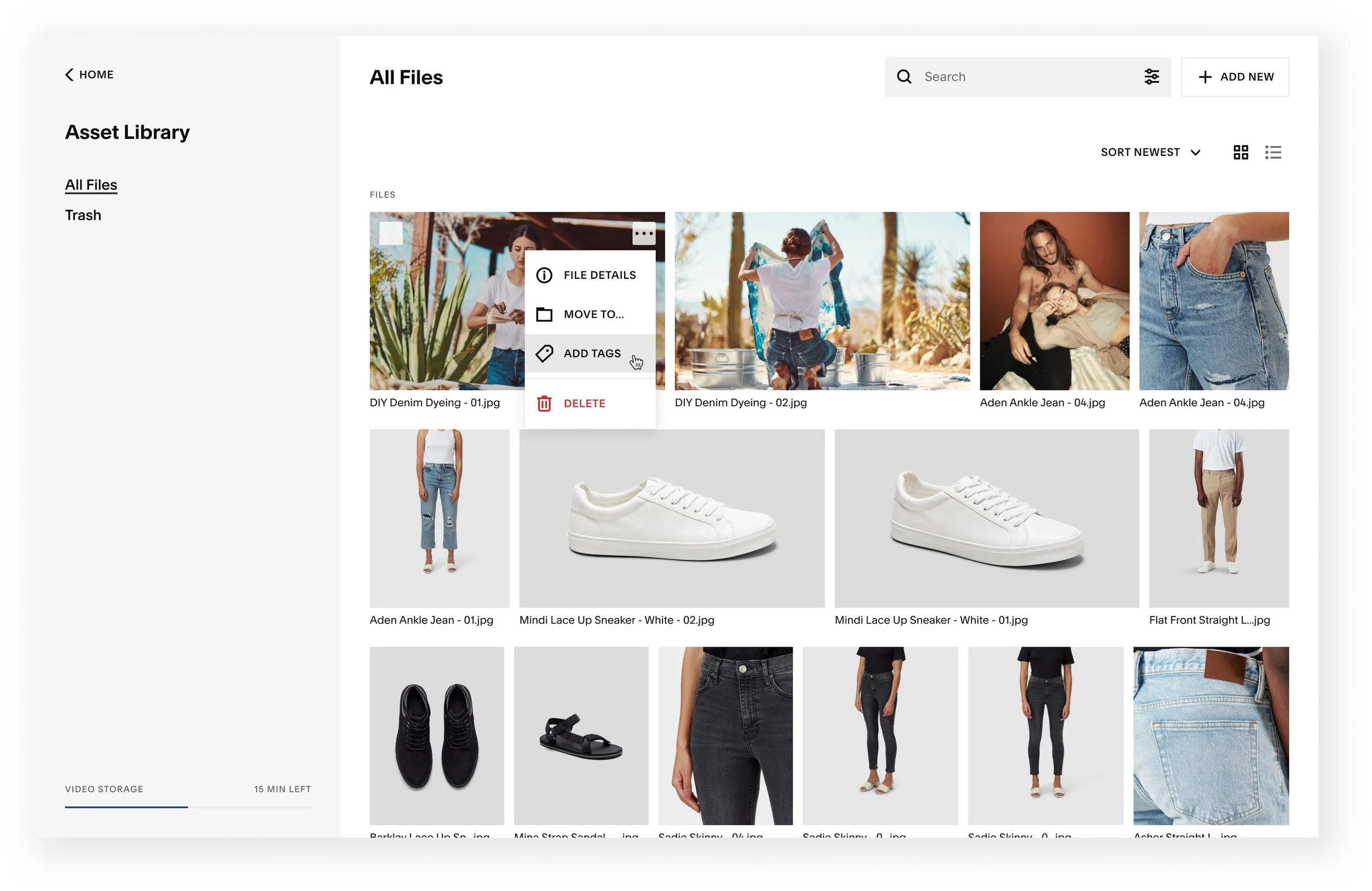
Quick Tagging
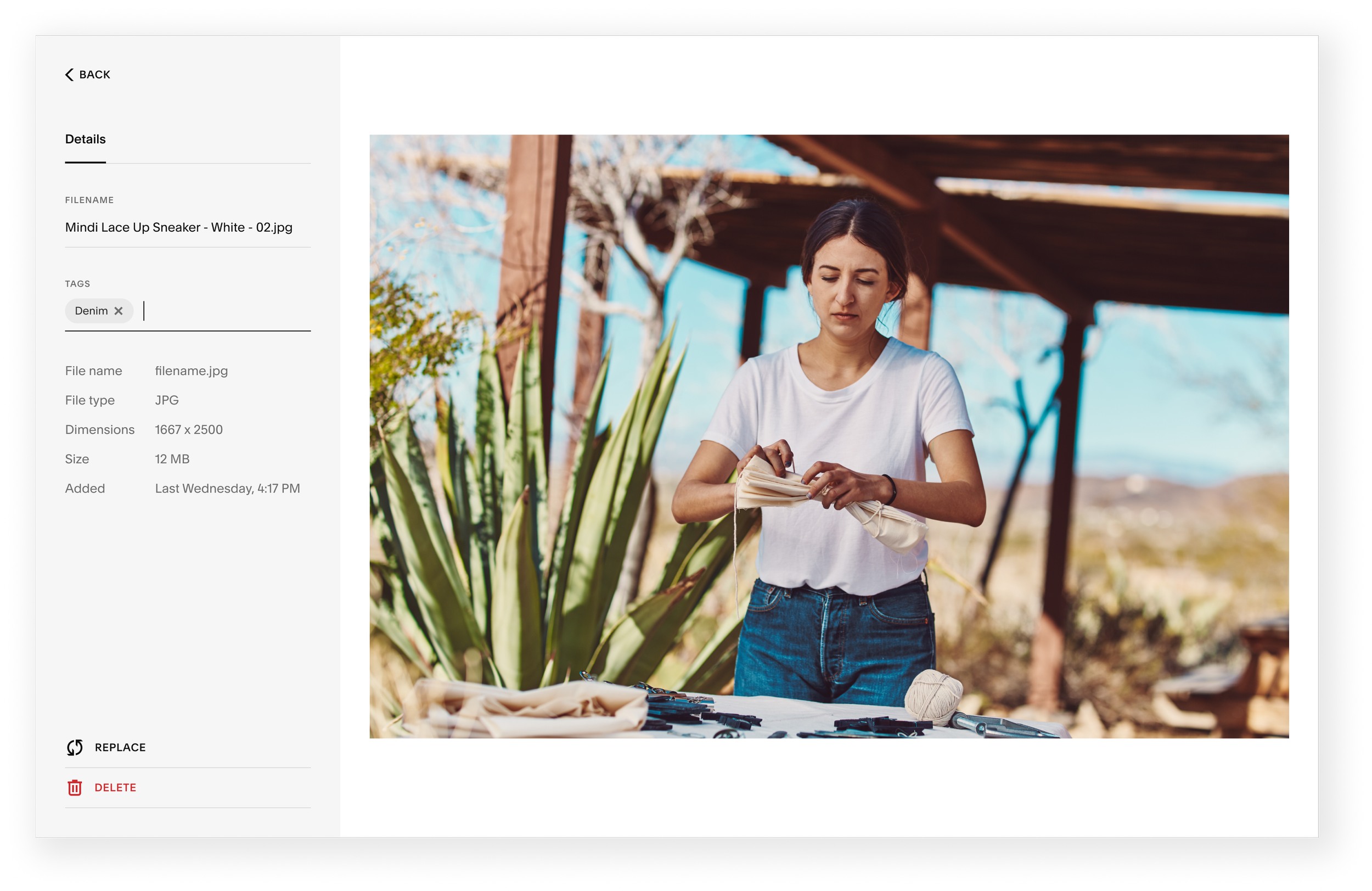
File Details Tagging
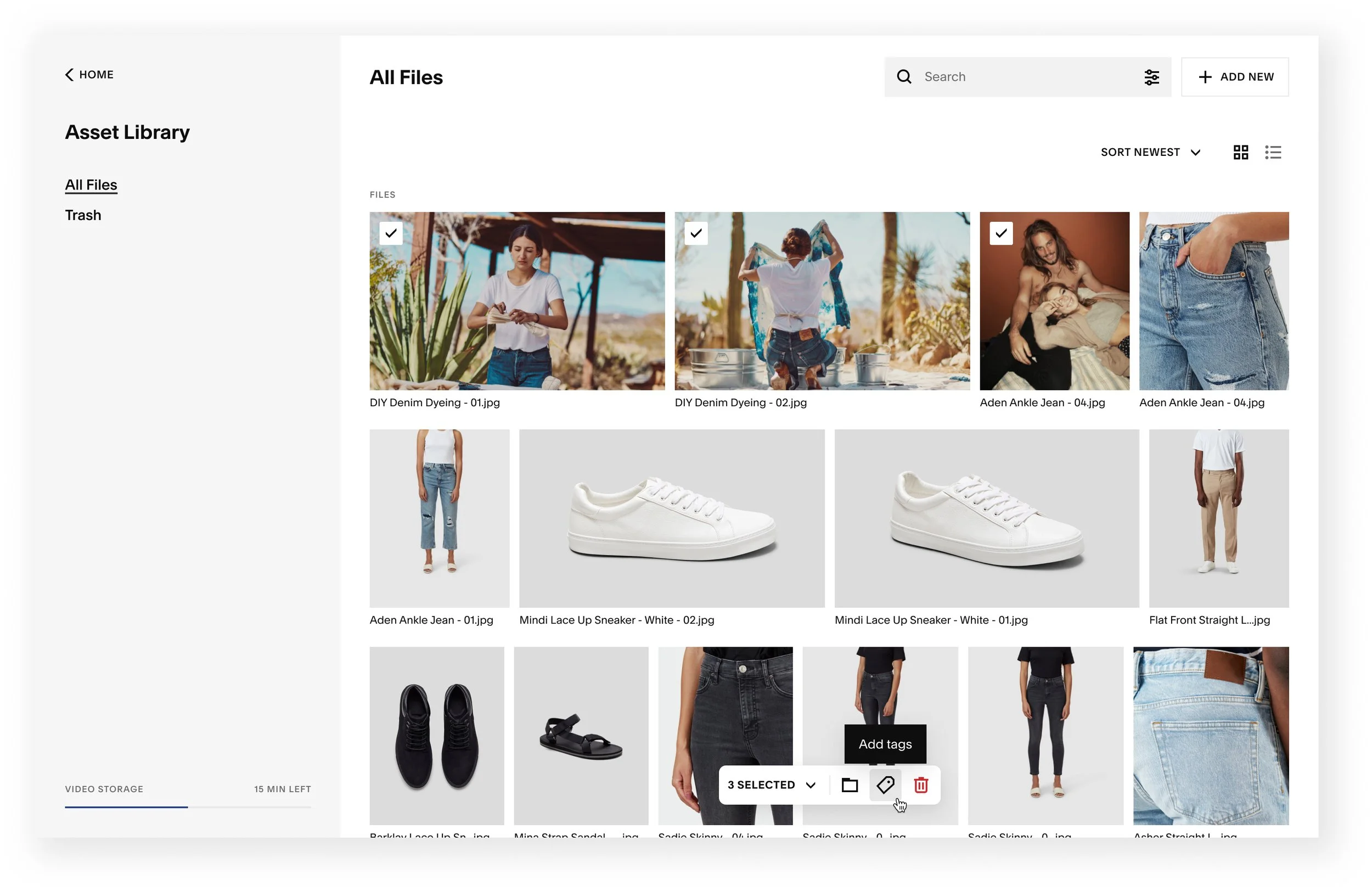
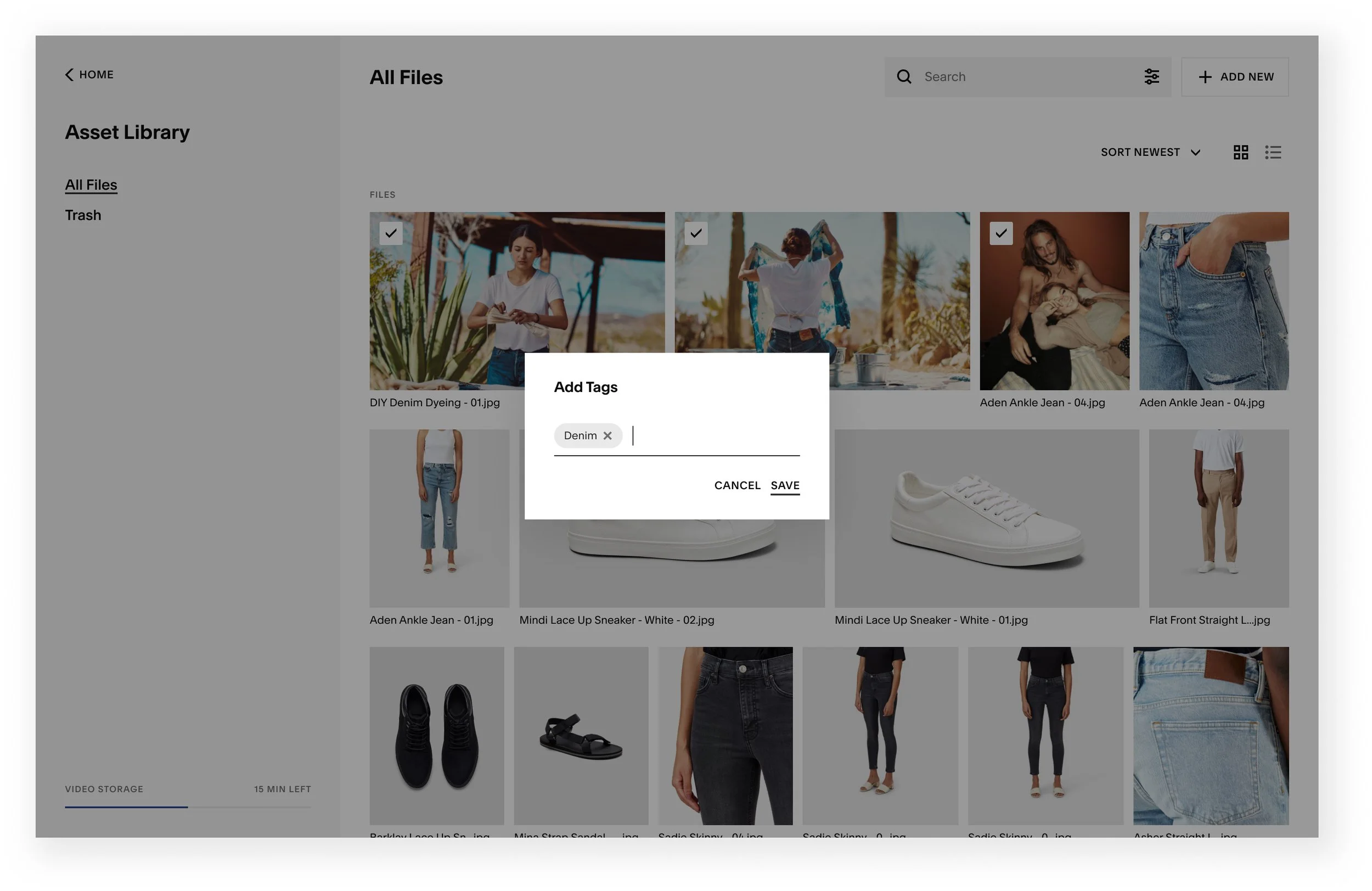
Bulk Tagging
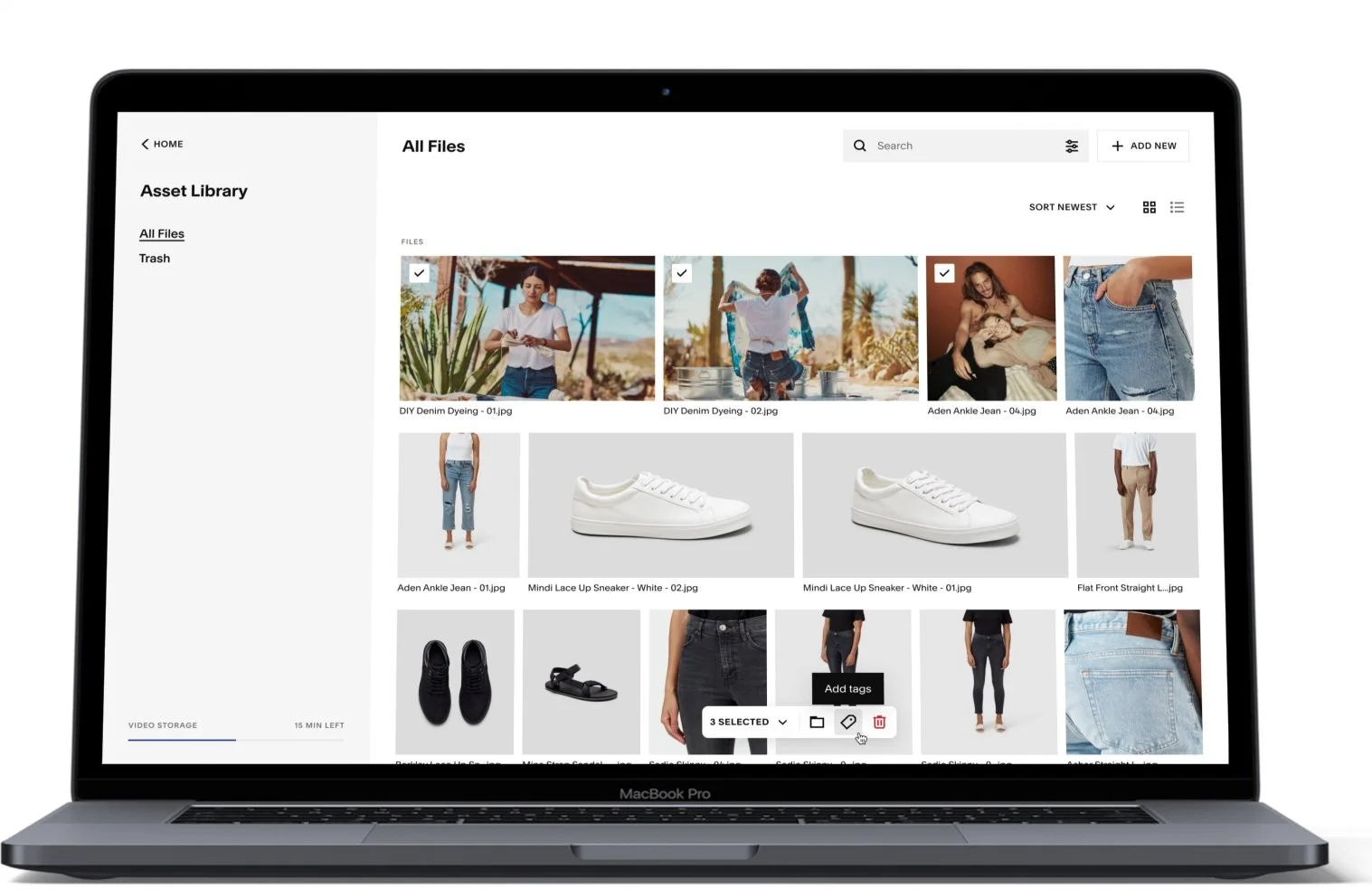
Users will also have the ability to quick tag the asset from the library’s surface.
Users will also have the ability to quick tag the asset from the library’s surface.
Users will also have the ability to quick tag the asset from the library’s surface.
CXF COLLAB
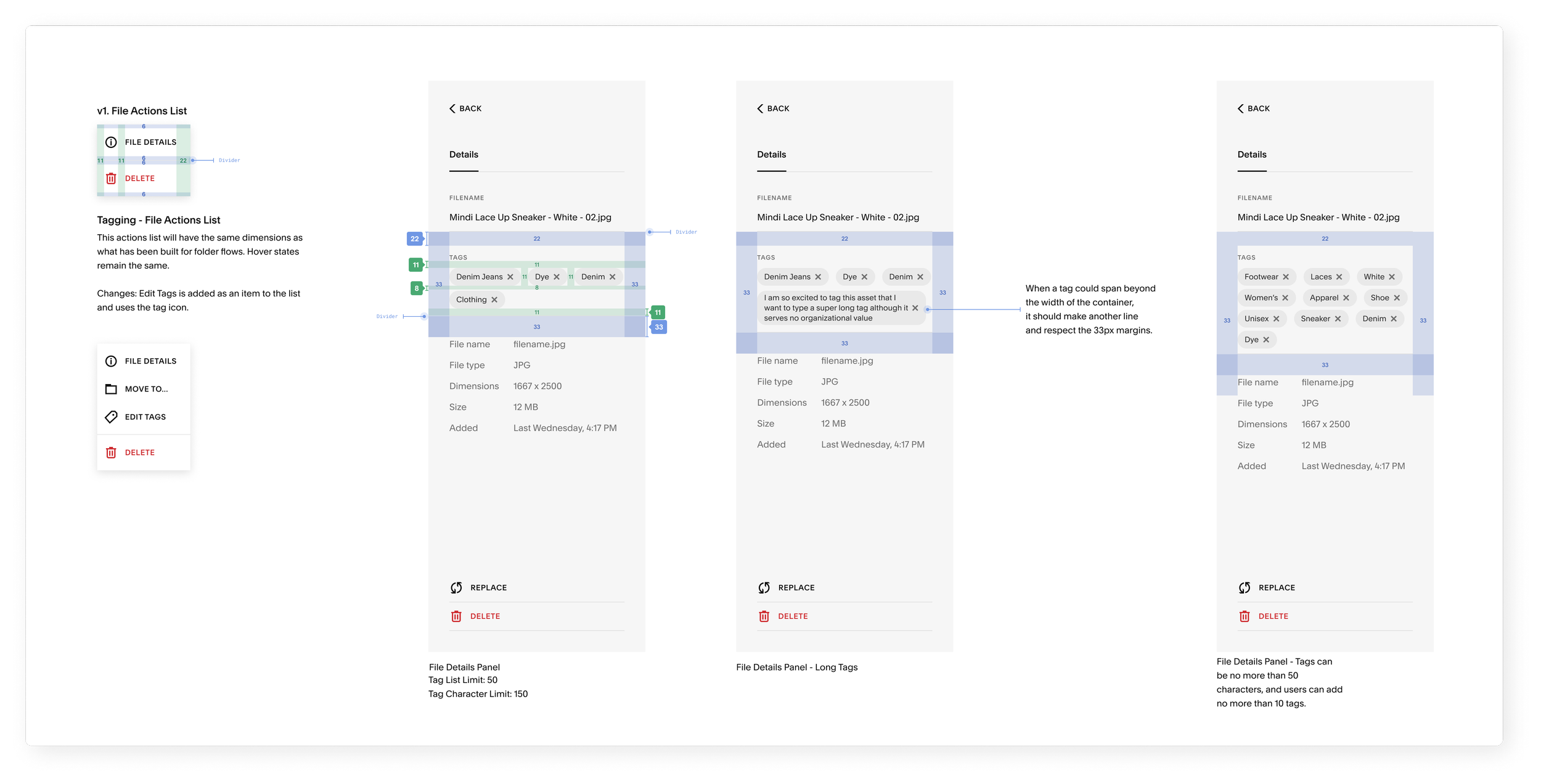
Handoff
To make this project a reality, I met with software engineers on the Assets team for regular feedback. Their feedback inspired me to consider unexplored edge cases. I handed my designs off with thorough annotations and walked through each flow with the engineering lead before my internship ended.